Slovenian Localization Configuration — User Manual
For administrators and accounting managers enabling Slovenian workflows in Odoo 18 Community. This module provides a company switch and journal fiscal position configuration. It does not install the complete localization suite.
Enable Slovenian accounting
- Select the intended company in the company selector.
- With Settings administration access, open Settings.
- Select Slovenian Accounting in the settings sidebar.
- Enable Use Slovenian Accounting.
- Click Save and reopen the relevant accounting application if necessary.
- Repeat for each company requiring the dependent workflows.
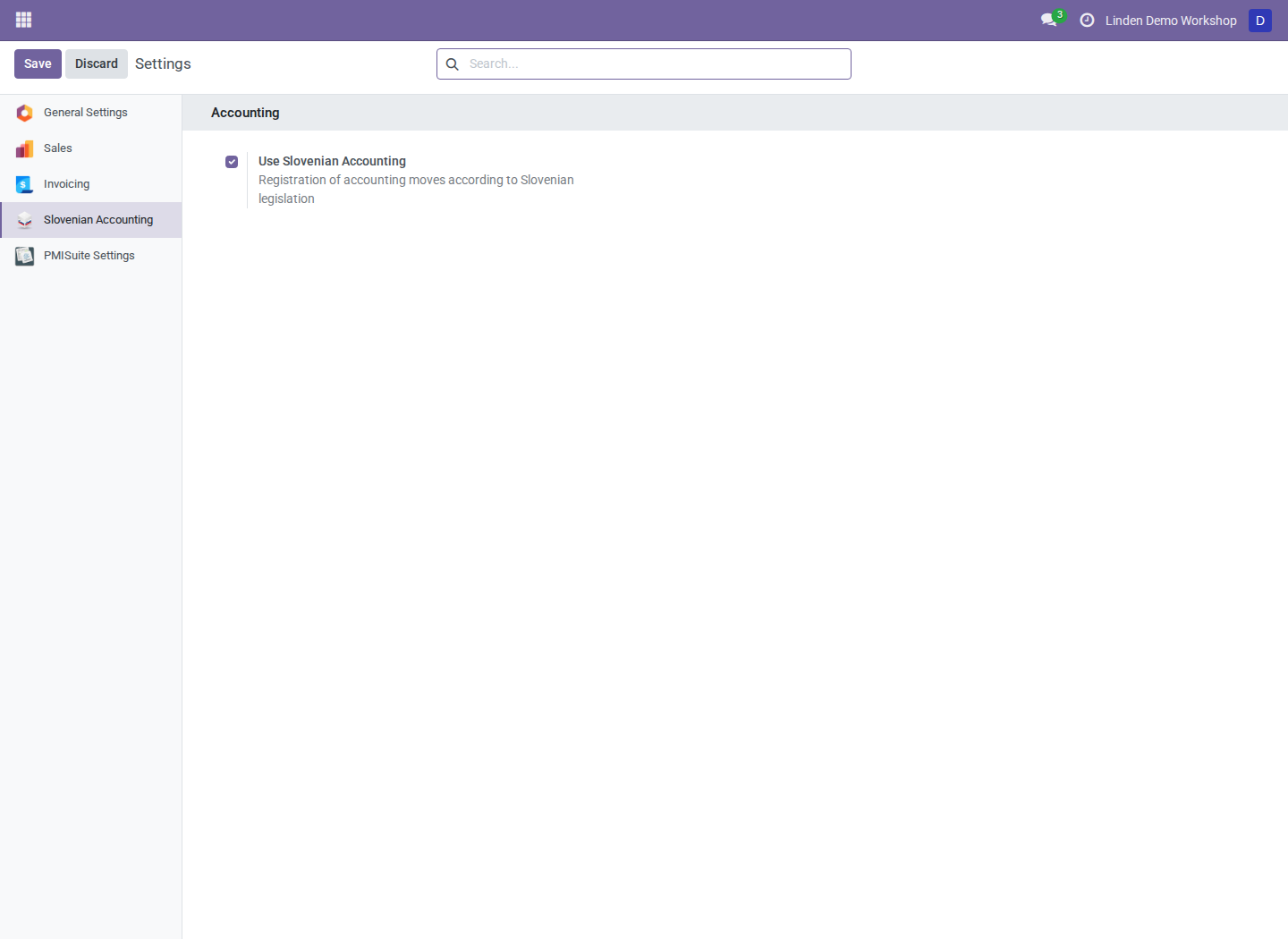
The company-dependent switch enabled for Linden Demo Workshop.
The switch defaults to disabled. Each consuming addon decides how it uses the switch; enabling it does not configure charts, taxes, reports, or advances for you. Some features use company country or fiscal country independently.
Configure a journal fiscal position
- Open Accounting > Configuration > Journals with configuration access.
- Open the intended company's journal.
- Locate Slovenia - Fiscal Position in its configuration tabs.
- Select a fiscal position belonging to the same company and save.
- Review the behavior of the addon using that journal configuration before processing documents.
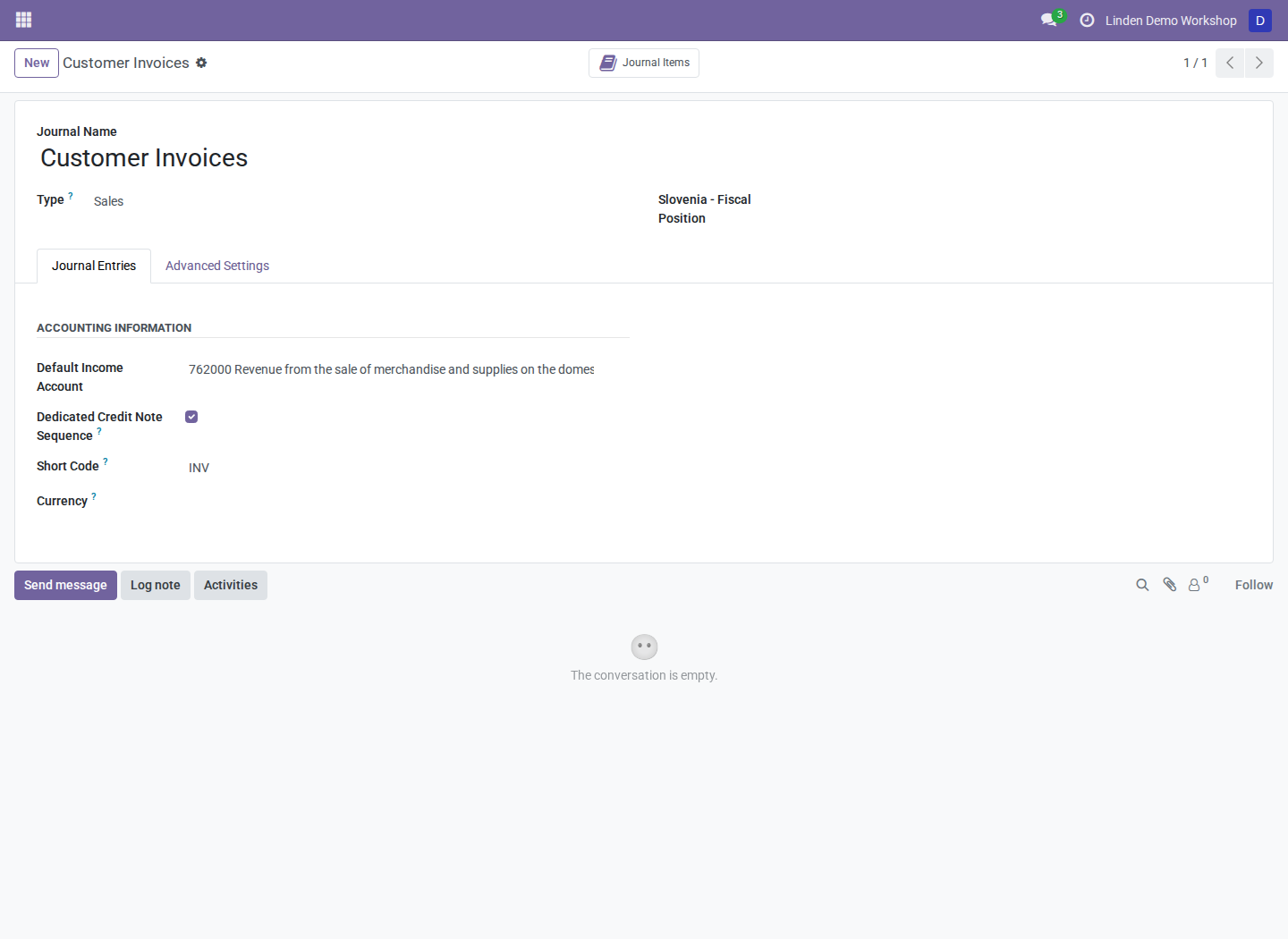
The demonstration sales journal. Additional configuration fields may be on another tab or below the visible area, depending on installed extensions.
This field stores configuration. Applying it to business documents is the responsibility of the consuming addon; setting it alone is not proof that an existing invoice's taxes changed.
Work with several companies
Confirm the active company before changing settings or generating reports. The accounting switch belongs to the company, although modules are installed for the whole database. Changing one company's switch does not enable every company.
Some Slovenian menus use company-aware filtering supplied by this module. Normal access rights still apply. A visible menu is not permission to access every underlying record, and the switch is not a security role.
Troubleshooting
| Symptom | What to check |
|---|---|
| Slovenian Accounting settings are unavailable | Module installation and Settings access |
| A Slovenian menu is missing | Active company, saved switch, required addon, and accounting access |
| A feature remains visible with the switch disabled | Its own country and visibility conditions; the switch is not universal |
| A fiscal position cannot be selected | Whether it belongs to the journal's company |
See the module overview for dependencies and menu-filtering details, and each functional addon's manual for its additional prerequisites.
Screenshot context
Screenshots are real Odoo 18 browser captures from a fresh disposable database with a fictional Slovenian company and populated accounting records. Interface labels are English; Accounting may appear as Invoicing.