PMIS Localization Policy — User Manual
For administrators preparing Slovenian accounting in Odoo 18 Community. This module chooses the replacement Slovenian localization during installation; it has no daily accounting screen. See the module overview.
Before starting
Have an administrator make both l10n_pmis and l10n_si2 available in Apps.
Updating the Apps list and installing modules require Settings administration
access and your normal deployment authorization.
The supported accounting combination is Slovenian - Accounting V.2
(l10n_si2) installed and upstream l10n_si uninstalled. Existing upstream
accounting requires a separately planned migration; this policy does not convert
accounts, taxes, or journal entries.
Set up a new database
- Before installing Accounting or business applications, open Apps.
- Remove the default Apps search filter so technical addons are included.
- Search for PMIS Localization Policy and install it. Let installation finish.
- In a separate installation operation, install Accounting or the required business applications.
- Set up the intended company with Slovenia as its country and review the Slovenian chart selected during accounting setup.
Do not select the policy and Accounting together in the first installation batch. Odoo plans automatic dependencies before the newly installed policy is active. Simply placing this repository on disk does not enable the policy.
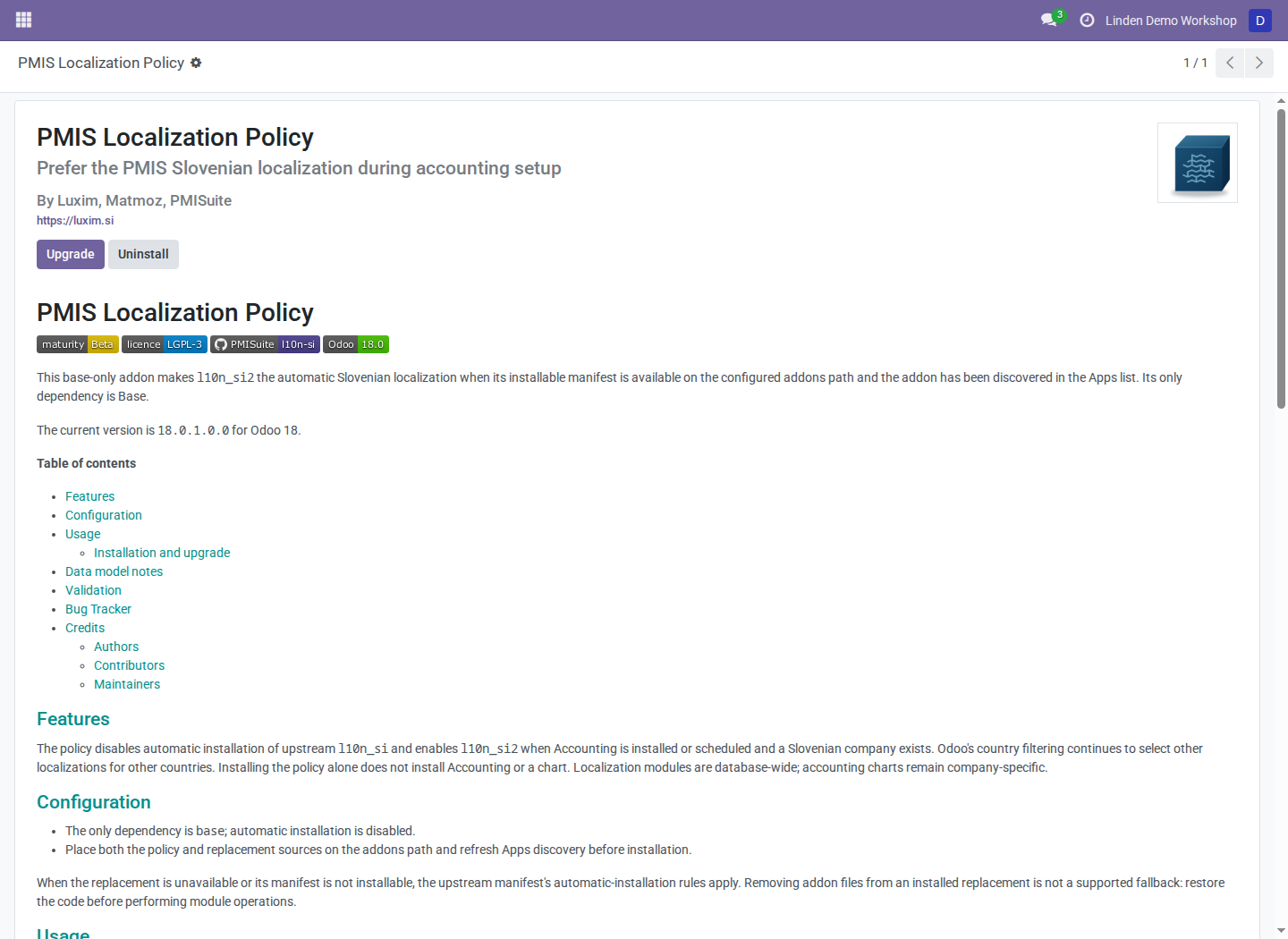
The policy's installed module record in a populated disposable Odoo database. This is an installation check, not a separate policy configuration screen.
Confirm the selected localization
- In Apps, remove the Apps filter and search for the Slovenian localization modules. Developer mode can help identify technical names.
- Confirm
l10n_pmisandl10n_si2are installed. - Confirm
l10n_siis uninstalled. - Review the company accounts and taxes using the Slovenian chart manual.
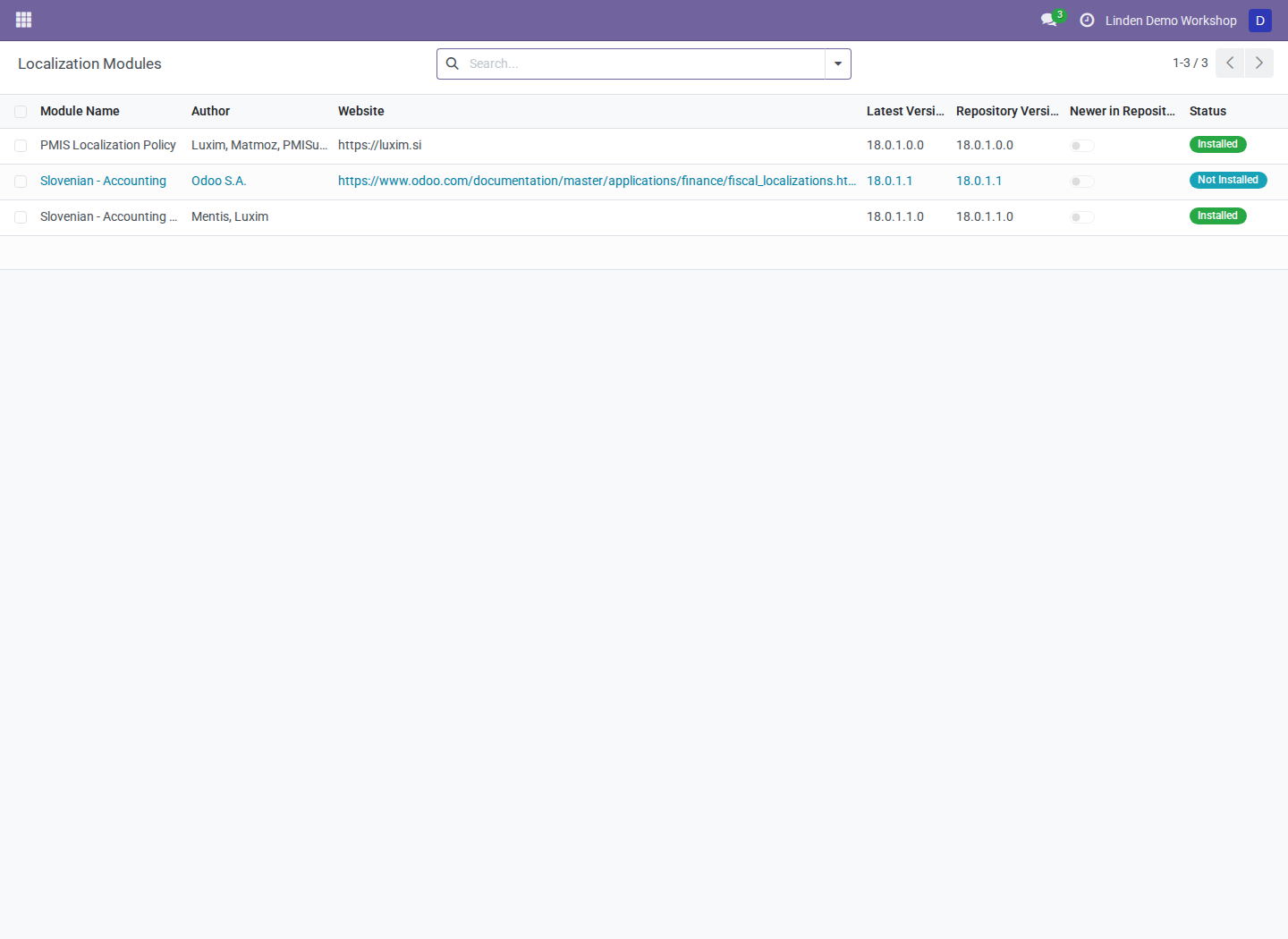
The catalog contains the policy, replacement chart, and upstream localization; availability in the catalog is different from installation.
Existing databases and removal
For a database already using the replacement, have the administrator confirm the installed chart provider and available sources before adding the policy. See the installation prerequisites.
Keep this policy installed while relying on automatic PMIS chart selection. Uninstalling it restores automatic-installation metadata from current manifests; it does not remove charts or migrate companies. Do not uninstall an accounting localization as a migration technique.
Troubleshooting
| Symptom | What to check |
|---|---|
| Policy is absent from Apps | Addons path, Apps-list refresh, and the default Apps search filter |
| Upstream localization is selected | Whether the policy finished installing before Accounting was requested |
| Installation reports conflicting localizations | Existing or scheduled l10n_si; stop and have the deployment operator review the database |
| Replacement source is unavailable | Restore the correct code before module operations; removing installed addon files is unsupported |
Screenshot context
Screenshots are real browser captures from Odoo 18 in a fresh disposable database populated with fictional business records. English interface labels are used; installed applications and themes can change the surrounding navigation.